2026-10-12 · BillCrop Team · 4 min read
Recurring invoices: how to bill monthly clients
What is a recurring invoice? See when to use one for retainers and subscriptions, how to set it up in 6 steps, and tips to keep monthly clients paying on time.

If you bill the same client the same amount every month, retyping the invoice gets old fast. It is also easy to forget one.
That is what recurring invoices are for. Here is what they are, who should use them and how to set one up so clients pay on time.
What is a recurring invoice?
A recurring invoice is an invoice that repeats on a schedule. You set it up once. It is made again each week, month or year.
The client gets a fresh invoice with a new number and a new date each time. It is a bill that goes out by itself, but the client still has to pay it.
Who should use recurring invoices?
Anyone who bills the same client the same way on a regular basis.
- Retainer clients. A monthly fee for ongoing work, like marketing or bookkeeping.
- Subscriptions. Software, memberships or support plans.
- Rent. A space or equipment you rent out.
- Maintenance. A regular service, like cleaning or website care.
If you invoice once and never again, you do not need this.
How do I set up a recurring invoice?
Agree the deal, pick the schedule, set the terms and the notice period, check the first invoice and turn on the schedule.
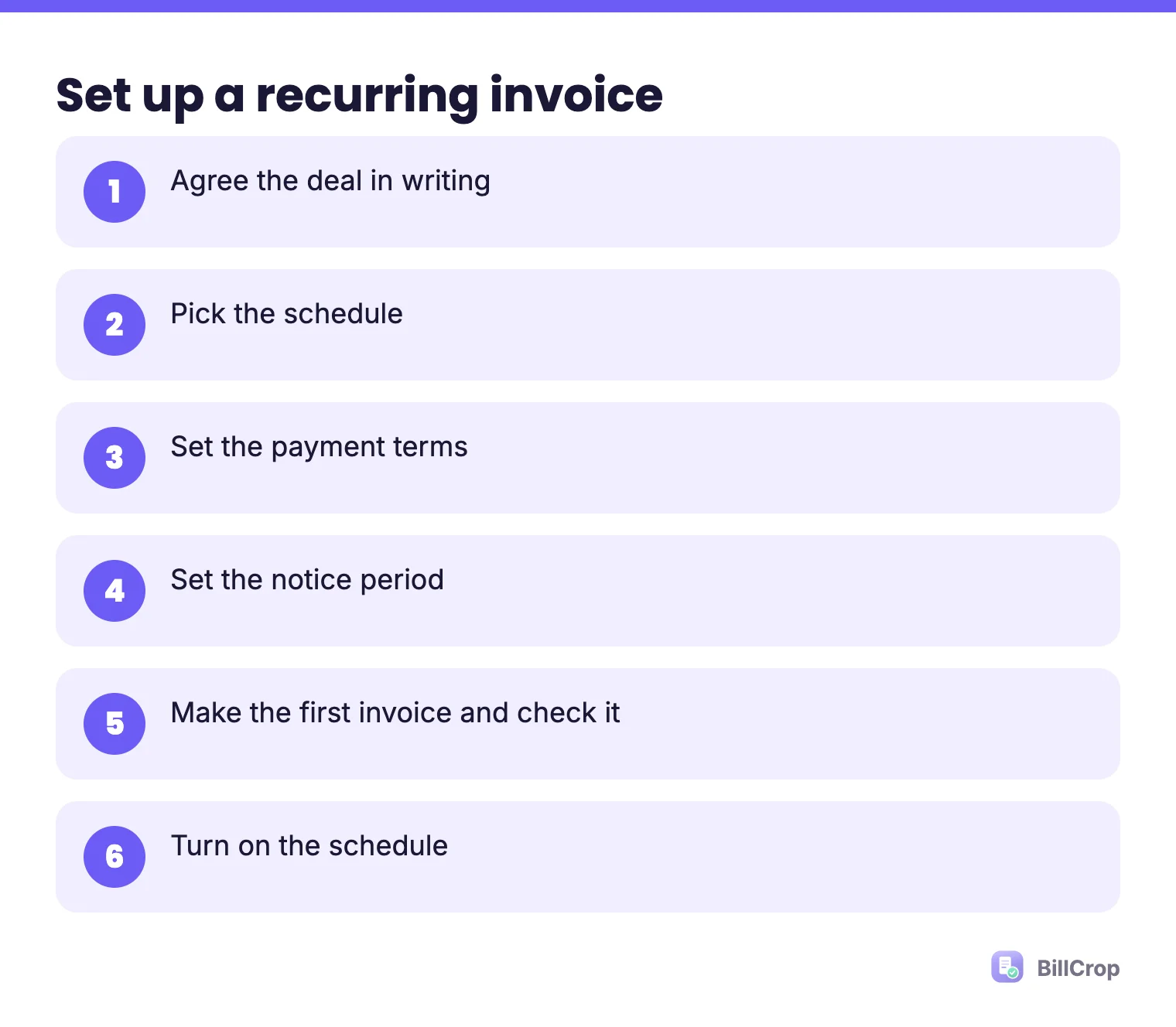
- Agree the deal in writing. What the amount is, how often, and when it is due.
- Pick the schedule. Monthly on the 1st is the most common.
- Set the terms. Due on receipt, or Net 7, or Net 14. See payment terms explained.
- Set the notice period. How many days notice either side must give to stop.
- Make the first invoice and check it carefully. Not sure what goes on it? Use our free invoice template.
- Turn on the schedule.
BillCrop does step 6 for you: you set a recurring interval and it generates the invoice on schedule. That helps with retainers and subscriptions.
Should I invoice in advance?
For retainers, many people invoice at the start of the month, so the client pays for the month ahead. It keeps your cash steady.
If you invoice at the end of the month, you are working for free until the money lands. Choose what fits you, but say it in the agreement.
What goes in a simple retainer agreement?
One page is enough. Include:
- What work is covered each month
- The monthly amount and the day it is invoiced
- Payment terms and how to pay
- The notice period to stop
- A late fee, if you want one. Agree it first: can I charge a late fee on an invoice?
- What happens to extra work. For example, “extra work is quoted separately.”
What can go wrong with recurring invoices?
The most common problems are ignored invoices, a changing scope and a client who stops paying.
- The client forgets about it. They see a “new” invoice every month and ignore it. A pay link and a reminder fix this.
- The amount changes. If your work grows, update the agreement and the invoice. Do not just raise the number.
- The client stops paying but keeps asking for work. Pause work after a clear, polite notice. Write the rule in your agreement.
- Wrong numbers. Every invoice still needs its own number. Read about invoice numbering.
How do I get recurring invoices paid on time?
Add a pay link, send on the same day each month and remind the day after the due date.
- Add a pay link to every invoice.
- Send the invoice on the same day each month, so clients expect it.
- Send a reminder the day after the due date. Use our reminder messages.
- If a payment is more than two weeks late, follow the steps in how to chase unpaid invoices.
More habits are in how freelancers get paid faster.
Do I still need a contract?
Yes. A simple one-page agreement is enough. It should have the amount, the schedule, the notice period and any late fee.
What is a simple example of a monthly retainer invoice?
A retainer invoice repeats the same lines each month, with a new number and date.
INVOICE #031
Date: 1 November 2026
Due: 8 November 2026

Monthly social media care, November ........ ₦120,000
TOTAL DUE: ₦120,000

Pay here: [pay link]
Next invoice: 1 December 2026
The client sees the same layout every month, so it becomes a habit. Always write the month in the line, so records stay clear.
Try it
BillCrop’s recurring invoices run on a schedule, and every invoice gets an online pay link. If one runs late, send a reminder in one click. Start your 14-day trial.