2026-10-03 · BillCrop Team · 5 min read
Free invoice template: copy, paste and send today
Get a free invoice template to copy into Word, Excel or Google Docs. See the 10 parts every invoice needs, plus a free PDF invoice maker you can try today.

You do not need fancy software to send a proper invoice. You need the right parts in the right order.
Here is a free invoice template you can copy in one minute. Then we show you how to fill it in, which tool to use, and what to do after you send it.
What should a simple invoice template include?
A simple invoice template needs ten parts. Most invoices that get paid late are missing one of them.
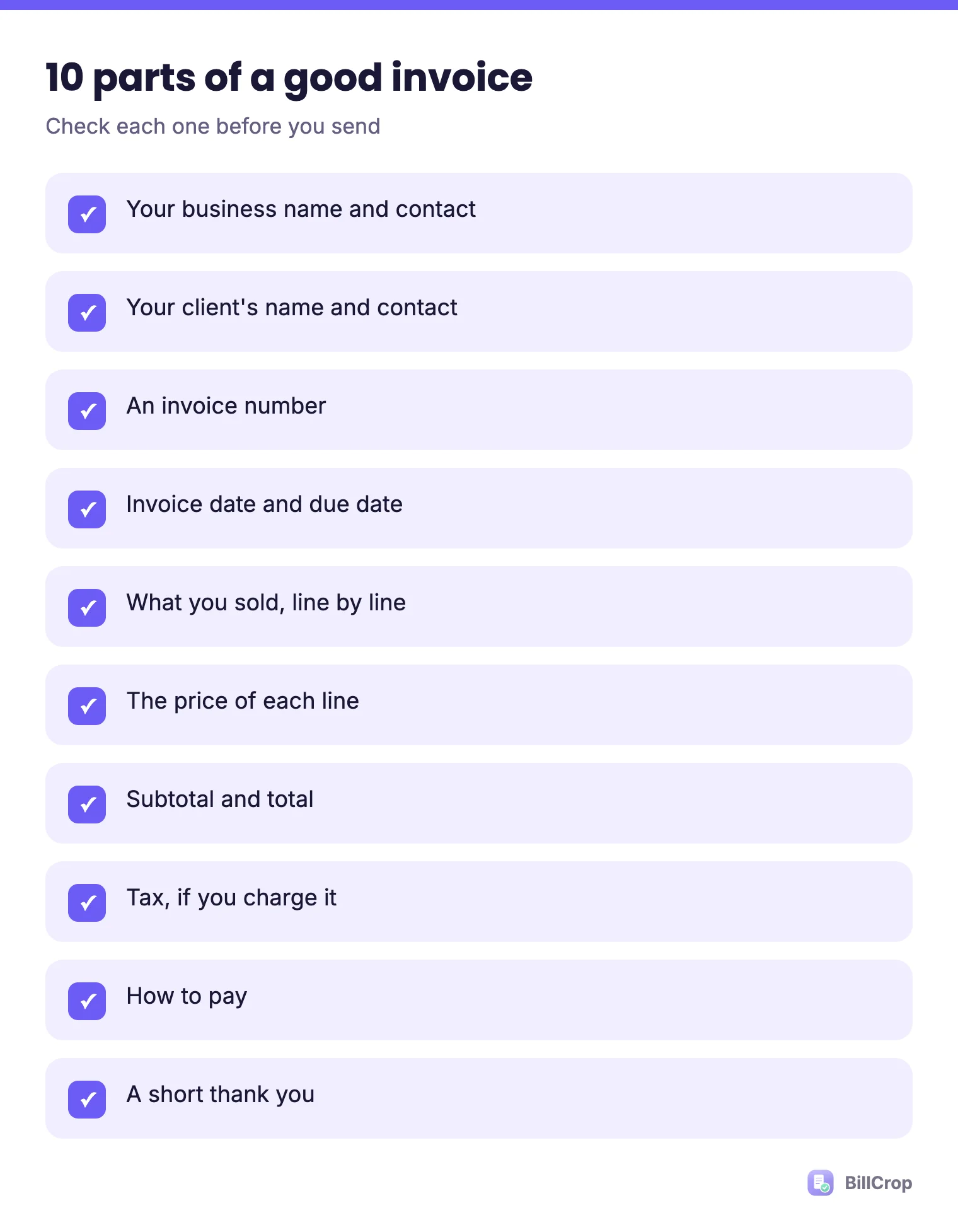
- Your business name and contact
- Your client’s name and contact
- An invoice number
- The invoice date and the due date
- What you did or sold, line by line
- The price of each line
- The subtotal and the total
- Tax, if you charge it
- How to pay
- A short thank you
What does a free invoice template look like?
Here is a plain-text invoice template you can copy. Paste it into Word, Google Docs or a notes app. Change the words in [brackets].
INVOICE

From:
[Your business name]
[Address]
[Phone] | [Email]

To:
[Client name]
[Client address or email]

Invoice number: [001]
Invoice date: [15 October 2026]
Due date: [29 October 2026]

Description              Qty    Price       Amount
[Website design]          1     [150,000]   [150,000]
[Logo files]              1     [30,000]    [30,000]

Subtotal: [180,000]
Tax ([7.5]%): [13,500]   <- only if you charge VAT
TOTAL DUE: [193,500]

How to pay:
Bank: [Bank name]
Account name: [Name]
Account number: [0123456789]
Or pay online: [pay link]

Terms: Payment due within [14] days.
Thank you for your business!
How do I fill in the invoice template?
Fill in each part with real details, and write a real date for the due date. Here is what to watch for:
- Invoice number: Start at 001 and count up. Never use the same number twice. Our invoice numbering guide has more.
- Due date: Write the date, not only “Net 14” or “Net 30”. See payment terms explained.
- Line items: Use plain words. “Logo design, 2 options” beats “Creative services”.
- Currency: Put the symbol next to the amounts: ₦, $, £ or €.
- Tax: Only add a tax line if you are meant to charge it. If you are not sure, read VAT on invoices in Nigeria.
Should I use Word, Excel or an invoice generator?
Use Word or Docs for your first few invoices, a spreadsheet if you like formulas, and a generator when you want a clean PDF fast. Each one has a catch.
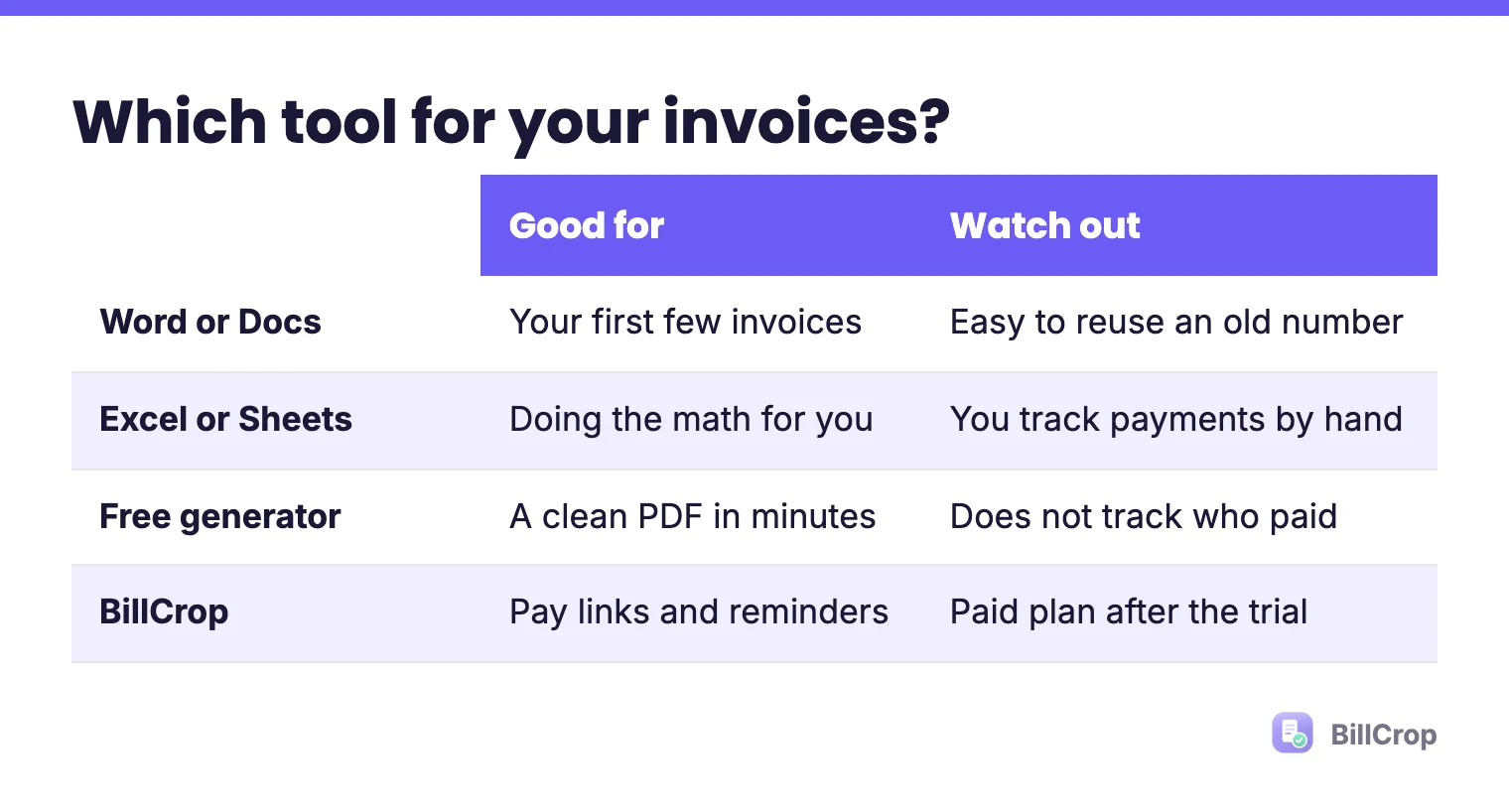
| Option | Good for | Watch out |
|---|---|---|
| Word or Docs | Your first few invoices | Easy to reuse an old number by mistake |
| Excel or Sheets | Doing the math for you | You still send and track it by hand |
| Free generator | A clean PDF in minutes | It does not track who has paid |
| BillCrop | Pay links, one-click reminders, records | It is a paid plan after the trial |
What are the most common invoice template mistakes?
The big three are a repeated invoice number, a missing due date and no way to pay. Add these to the list:
- Copying last month’s invoice and forgetting to change the date.
- Leaving the client’s name off, so their accounts team cannot file it.
- Writing “services” with no detail, which brings questions and delays.
- Burying the bank details at the bottom of page two.
- Forgetting to save a copy of what you sent.
Before you hit send, read it once as if you were the client. Could you pay it in one minute, with no questions? If not, fix it.
Is a free invoice template legal?
Yes, a template is only a layout. What matters is that the invoice has the right details. For most small businesses a clear, complete invoice is enough. Some places also require tax details such as a tax ID or a VAT line, so check the rules where you work. If you are in Nigeria, start with how to make an invoice in Nigeria.
What do I do after I send the invoice?
Write the due date in your calendar, and send a polite reminder the day after it passes. An invoice is not done when it is sent. It is done when it is paid. Our payment reminder messages are ready to copy. Once you are paid, send a short receipt. See receipt vs invoice for what goes on it.
What is a good invoice template for a freelancer?
The same template works, but add a line for your deposit and your payment terms. Freelancers often bill in two parts: half to start, half at the end. Make two invoices from the same template, one for each part, with the next number each time. See how freelancers get paid faster for more.
When should I move from a template to invoicing software?
Move when you spend more time chasing than doing the work. Other signs:
- You forget who has paid and who has not.
- You send the same invoice every month by hand. Recurring invoices fix that.
- You want clients to pay from their phone.
BillCrop puts a pay link on every invoice and lets you send a reminder for overdue ones in one click. It also makes recurring invoices. Start your 14-day trial and send your next invoice from there.
Prefer a ready-made PDF? Fill in a few boxes and print or save it. Free, no sign-up.
Free invoice generator →