2026-10-02 · BillCrop Team · 5 min read
How to make an invoice in Nigeria (step by step)
How to make an invoice in Nigeria in 6 steps. See what to put on it, a sample in naira, how VAT fits in, and a free tool that builds the PDF in minutes.

Doing the work is the fun part. Asking for the money is where many of us get stuck.
A good invoice makes that part easy. Here is how to make an invoice in Nigeria, even if you have never made one before. You will get the steps, a sample in naira and a list of mistakes to avoid.
What is an invoice?
An invoice is a bill you send after you sell something or do a job. It says who owes you, how much, for what, and by when.
It is also your record. You will need it for your books and, later, for tax.
What should be on a Nigerian invoice?
Put nine things on every invoice. Leave one out and you will get questions, which slows your payment.
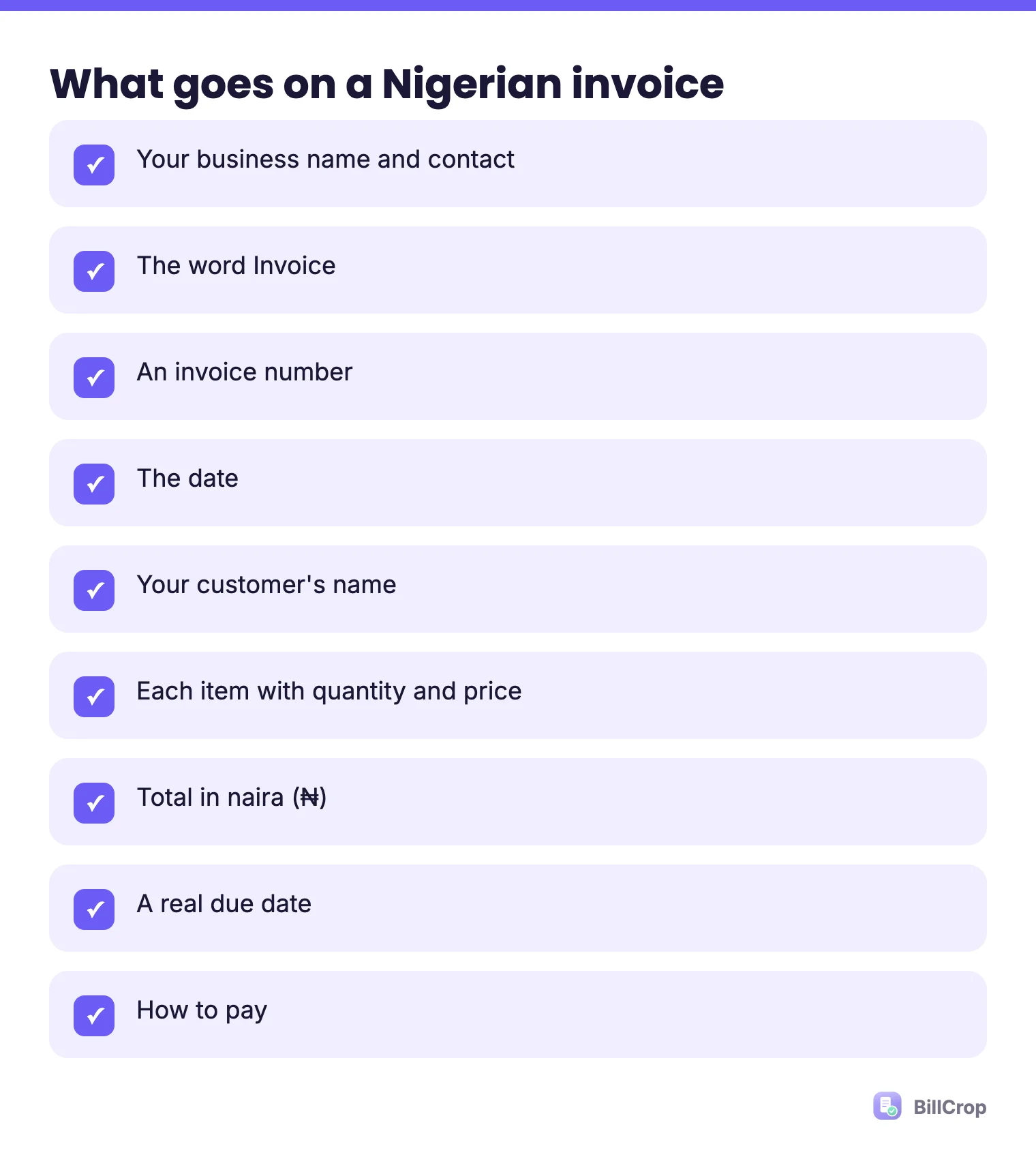
- Your business name and contact. Name, phone, email and address.
- The word “Invoice”. So nobody mistakes it for a quote. See quote vs invoice.
- An invoice number. Use a simple count: 001, 002, 003. We explain more in our guide to invoice numbers.
- The date. The day you issue it.
- Your customer’s name and contact.
- Each item or service. One line each, with quantity and price.
- The total in naira (₦). If you also work in dollars, say which currency the total is in.
- The due date. A real date, like 30 October. Not “soon”.
- How to pay. Bank name, account name and account number, or a pay link.
If your business is registered, add your RC number or tax ID. If you charge VAT, add it as its own line. See our guide to VAT on invoices in Nigeria.
How do I make an invoice, step by step?
You can make an invoice in six steps and about ten minutes.
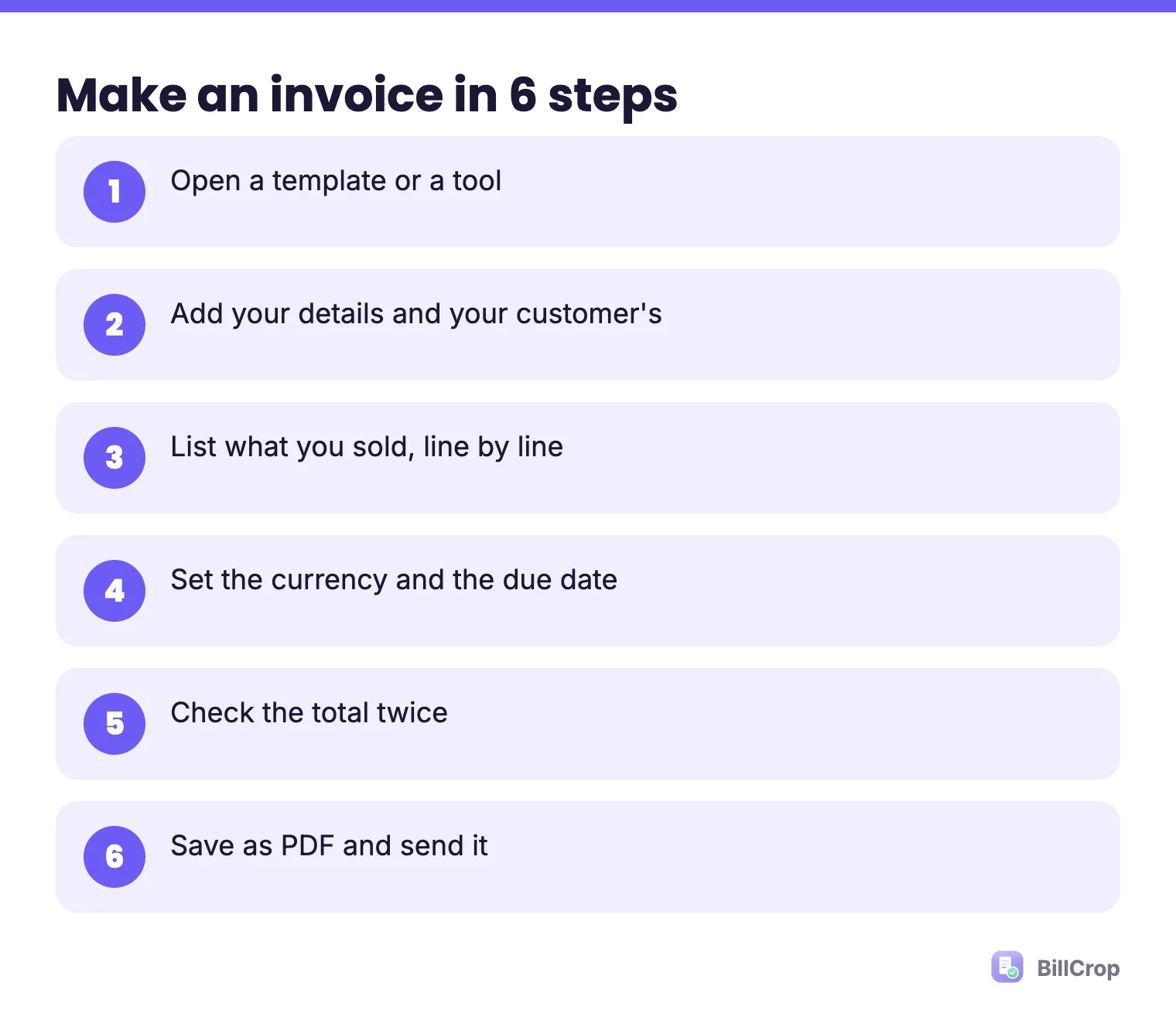
- Open a template or a tool. You can use our free invoice generator. It runs in your browser and nothing is uploaded. Or copy our free invoice template.
- Add your details and your customer’s. Add your logo if you have one.
- List what you sold. Keep the words simple. “Logo design, 2 options” is better than “Creative services”.
- Set the currency and the due date. Choose naira for local customers.
- Check the total. Do the math twice. A wrong total costs you time and trust.
- Save it as a PDF and send it. Email it, or send a link on WhatsApp. Read more in how to send an invoice on WhatsApp.
What does a sample invoice in naira look like?
Here is a short sample. Copy the shape and change the words.
INVOICE #014
Date: 15 October 2026
Due: 29 October 2026

From: [Your business], [phone], [email]
To:   [Customer name]

Logo design, 2 options ............ ₦60,000
Social media pack (5 images) ...... ₦40,000

TOTAL DUE: ₦100,000

Pay to: [Bank] | [Account name] | [Account number]
Thank you!
The numbers here are only an example. Use your own prices.
Do I need to charge VAT?
It depends on your size and what you sell. Nigeria’s VAT rate is 7.5%, and the new tax laws that took effect on 1 January 2026 kept it there (source: Forvis Mazars). Very small businesses are relieved from charging VAT, but the sources we checked do not agree on the exact limit. Read our VAT guide before you decide.
What is e-invoicing and does it apply to me?
E-invoicing means sending invoice data to the tax office’s system in a set format. The Nigeria Revenue Service (NRS, formerly FIRS) is moving businesses onto an electronic invoicing system, starting with the largest. Small businesses come later. We keep the dates on one page: NRS e-invoicing for small businesses.
What invoice mistakes should I avoid?
The most common ones are a missing due date, a reused number and no way to pay. Also watch for:
- A total that does not match the lines.
- No customer name, so their accounts team cannot file it.
- Mixing naira and dollars without saying which one the total is in.
- Sending it a week late.
How do I get paid faster after I send it?
Send it the same day, put the due date in bold and make paying easy.
- Send the invoice the same day.
- Put the due date in bold.
- Add a pay link, not only a bank account.
- Send a polite reminder the day after the due date. Our payment reminder messages are ready to copy.
- Want more? Read how freelancers get paid faster.
When does a tool beat a template?
A tool wins once you send more than a few invoices a month. After that, you want numbers that count themselves, a place to see who has paid, and reminders that take one click. BillCrop does these. It adds an online pay link to each invoice, supports naira, and lets you send a reminder on an overdue invoice in one click. Start your 14-day trial when you are ready.
This guide is general information, not tax advice. Check with the NRS or a tax adviser for your own case.
Want to try it now? Our free invoice generator makes a clean PDF in your browser. No sign-up.
Free invoice generator →